
The missing features that turn Ableton Live into a fully featured DAW.
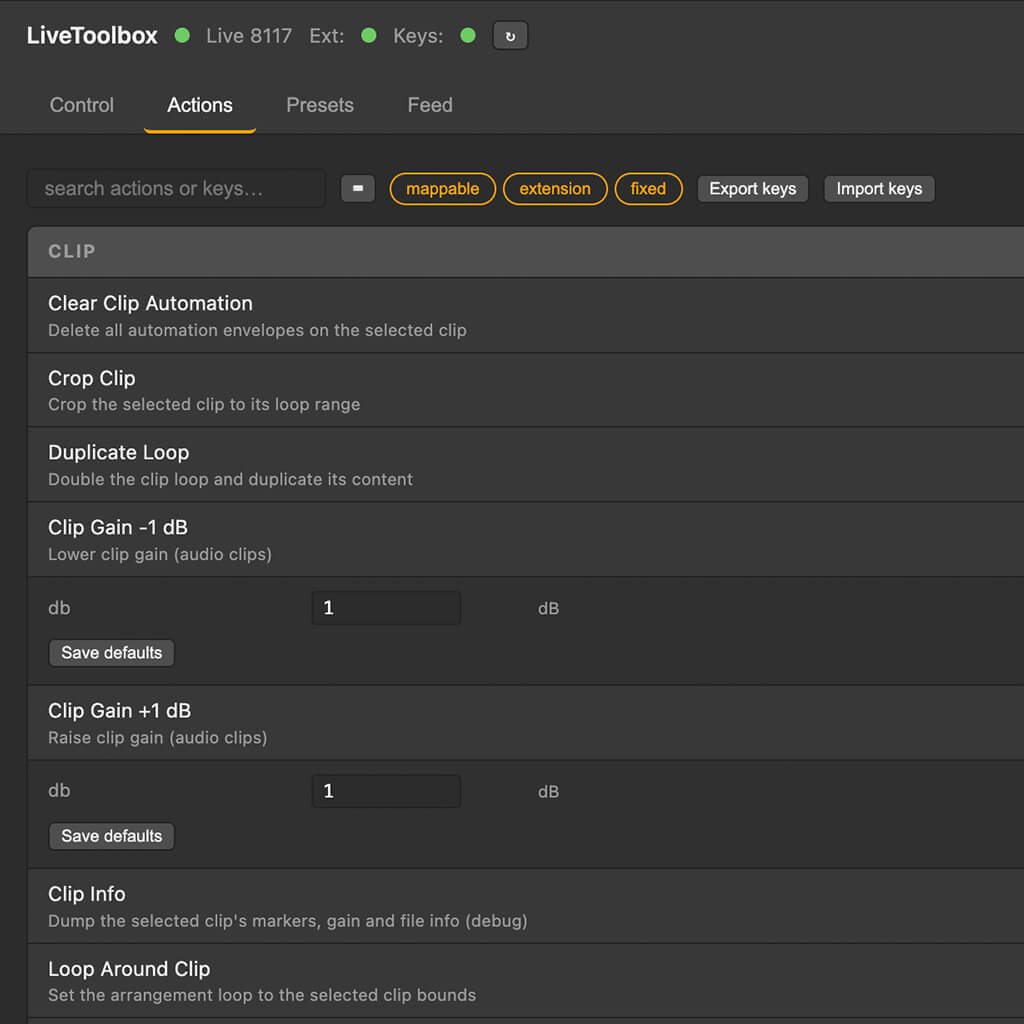
LiveToolbox is a macOS add-on that gives Ableton Live 12 the workflow it should have shipped with — 95+ editing, transport, clip and session actions behind any key combo, system-wide and persistent across every Set. Built for anyone coming from Logic, Pro Tools, Studio One or the discontinued Live Enhancement Suite.
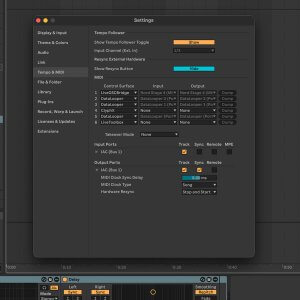
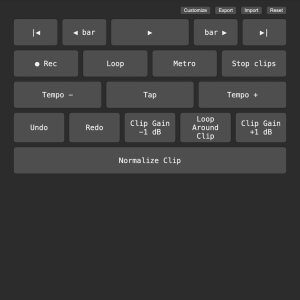
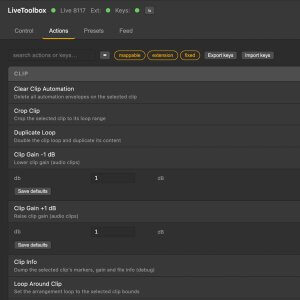
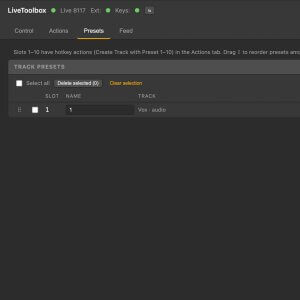
This thing speeds up my Ableton workflow like crazy.
AhZira
Key Features
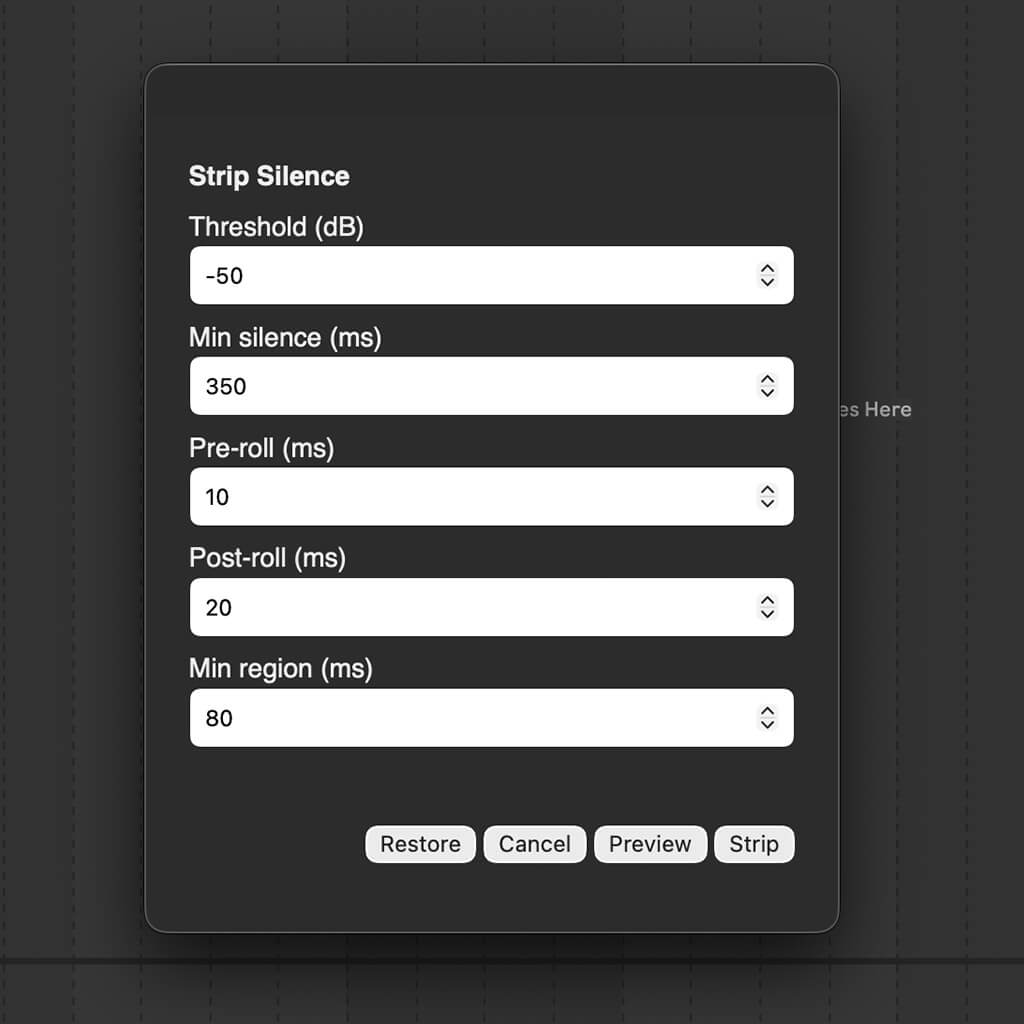
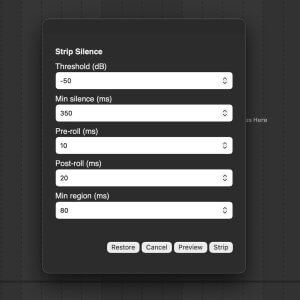
Strip silence inside Live — the cleanup tool every other DAW has
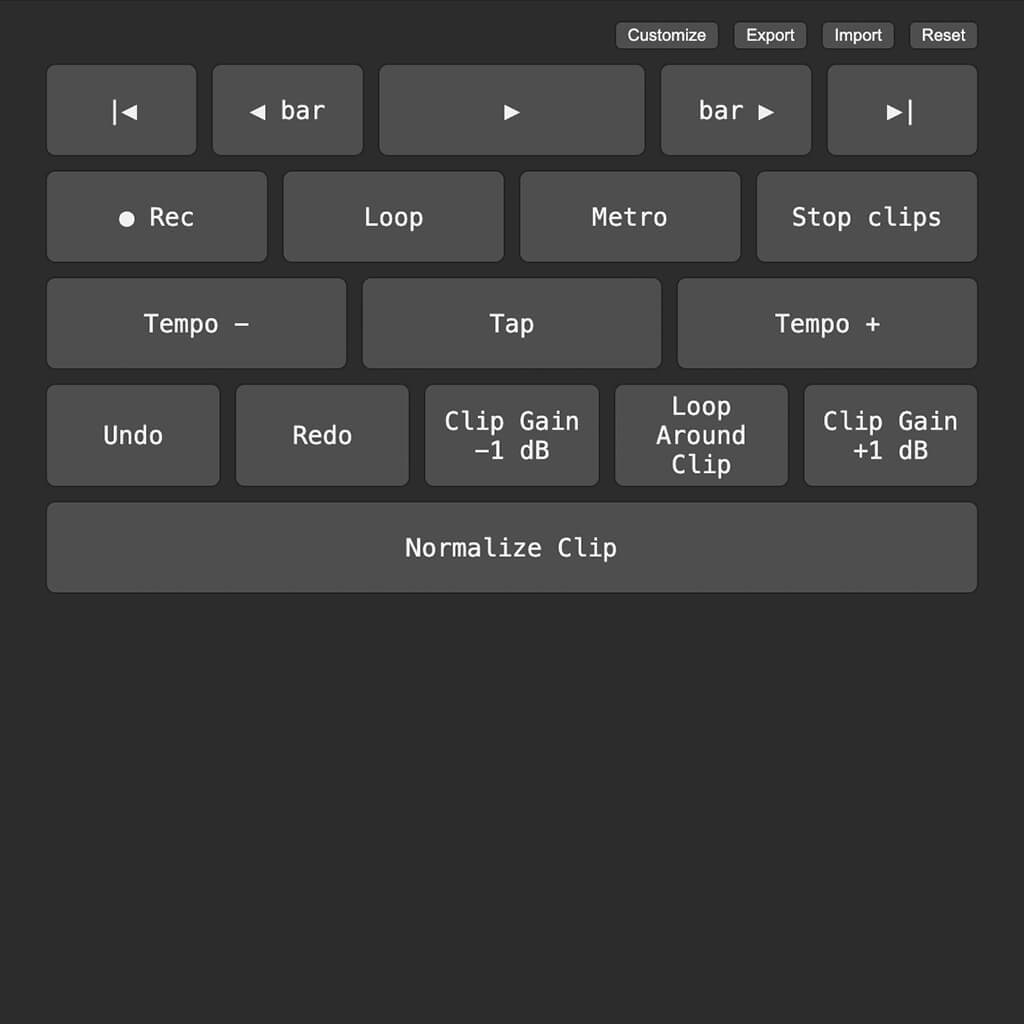
Normalize clips — batch clip gain to a target true-peak level
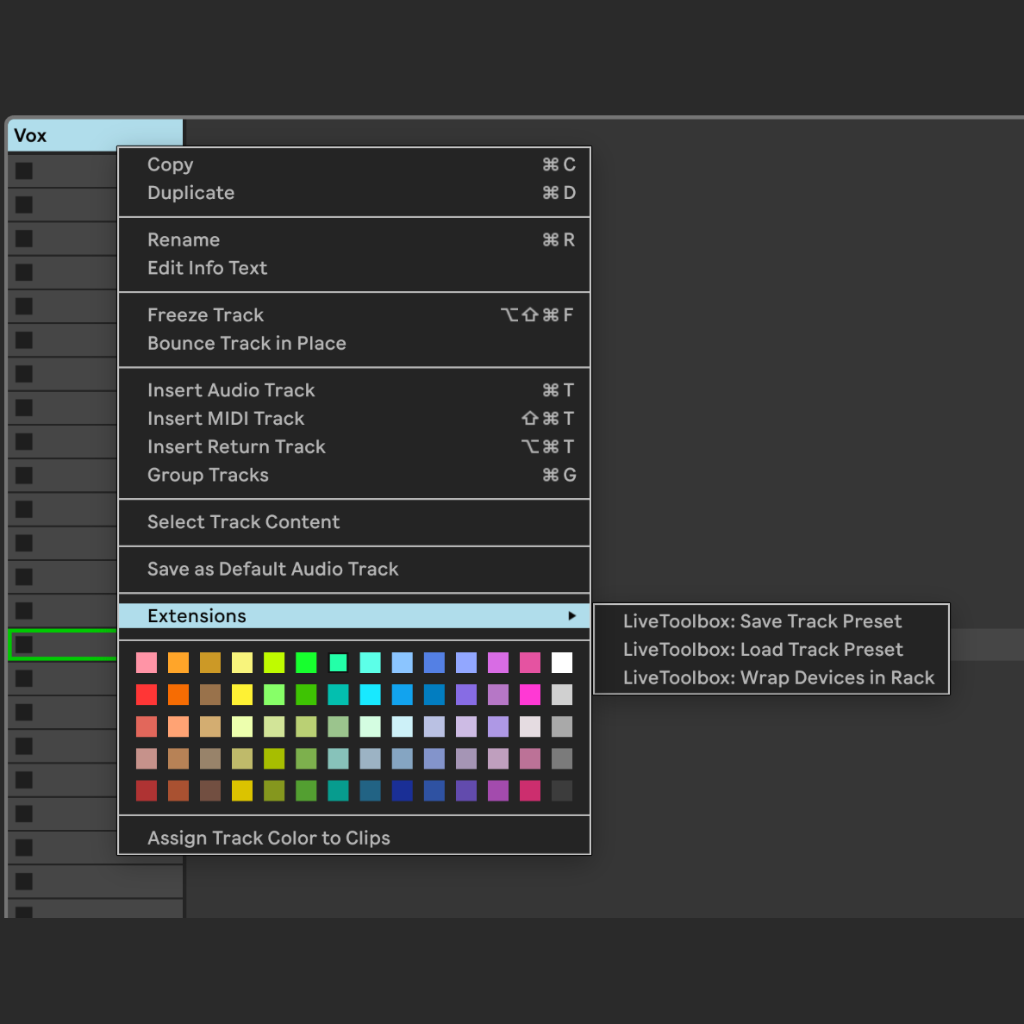
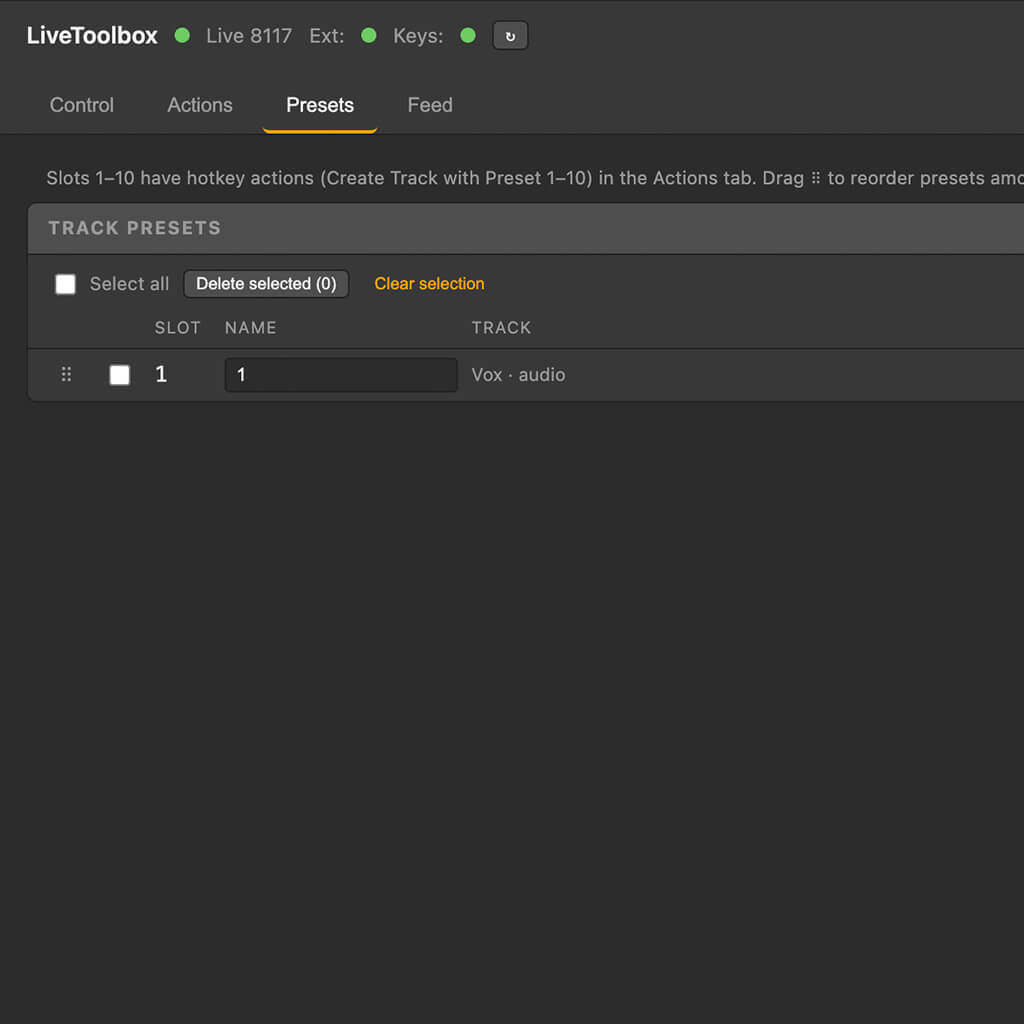
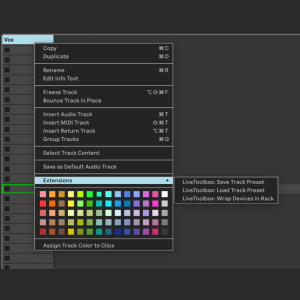
Track & rack presets — save a channel strip, recall it on a hotkey
95+ actions, any hotkey — transport, clips, tracks, scenes & views
System-wide keys — they fire even when another app is focused
Native right-click menus — Strip Silence, Normalize & presets (Live 12.4+)
Web remote — transport & control pad in any browser, phone or tablet
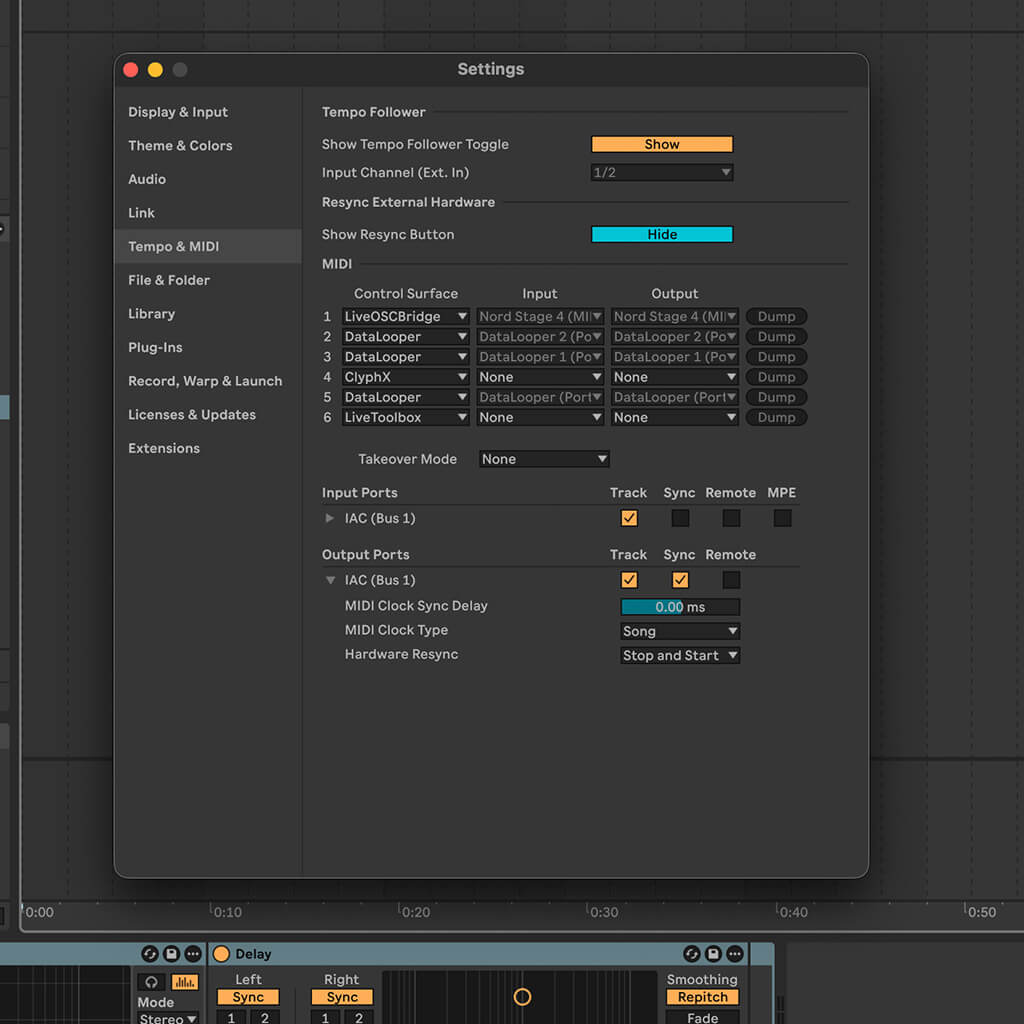
HTTP API + MIDI — drive Live from Stream Deck, Bome, Keyboard Maestro
Signed & notarized — installs in under a minute; Live 12 Intro, Standard & Suite, no Max for Live
Try before you buy — and launch pricing
Try before you buy: LiveToolbox gives you 3 active key bindings with 10 uses per session before licensed. Upgrade anytime for unlimited bindings and unlimited usage.
Launch special: get the full version for $10 (50% off) through December 1, 2026. Regularly $20.
Downloads
Requirements
- Ableton Live 12 — Intro, Standard, or Suite. No Max for Live required
- Right-click menus & in-Live dialogs need a Live 12.4+ build with Extensions support — everything else works without them
- macOS 12 or later — Apple Silicon and Intel
- Accessibility & Input Monitoring permission for global hotkeys (one-time macOS prompt)
- Python 3 — configured automatically by the installer
The installer is currently macOS-only.